Crew Sheet
The wedding day run-of-show, on your wrist.
- Platform
- iPhone, iPad, and Apple Watch
- Price
- Free to try, one-time unlock
- Account
- None
- Your data
- On-device
The problem
A wedding runs to a timeline, and the people keeping it to time are the ones with their hands full. A photographer mid-shot, a DJ mid-mix, and a planner working the room cannot stop to scroll through a phone to check what happens next. When the ceremony starts twenty minutes late, the whole day shifts with it, and everyone is holding a schedule that is now wrong.
What Crew Sheet does
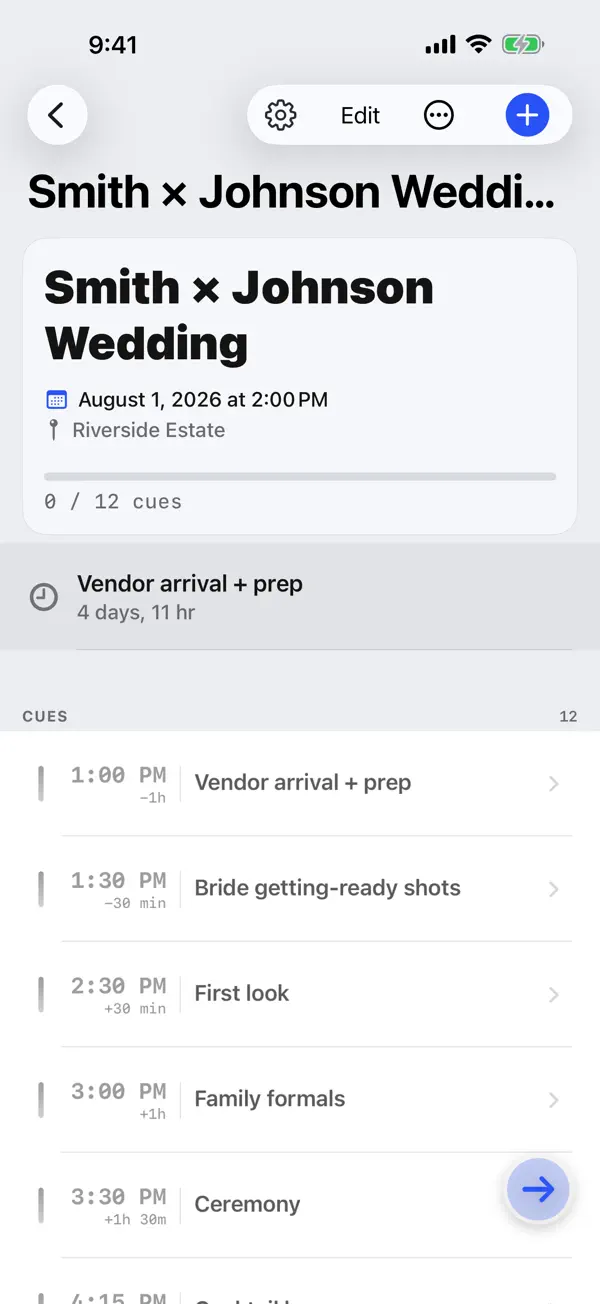
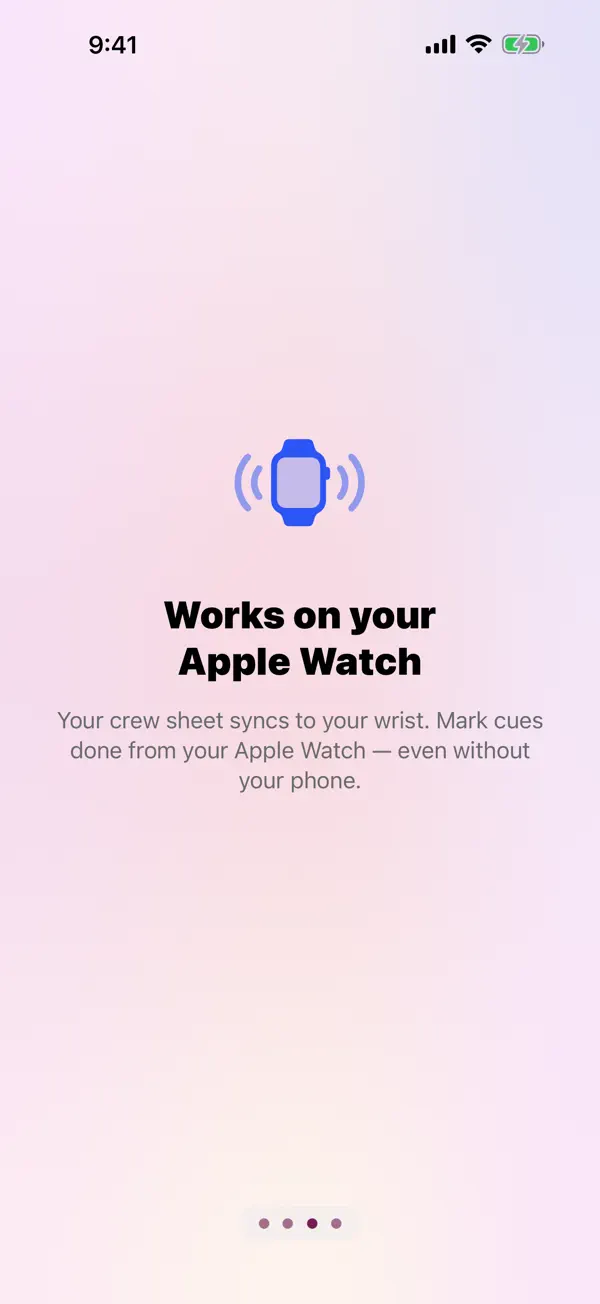
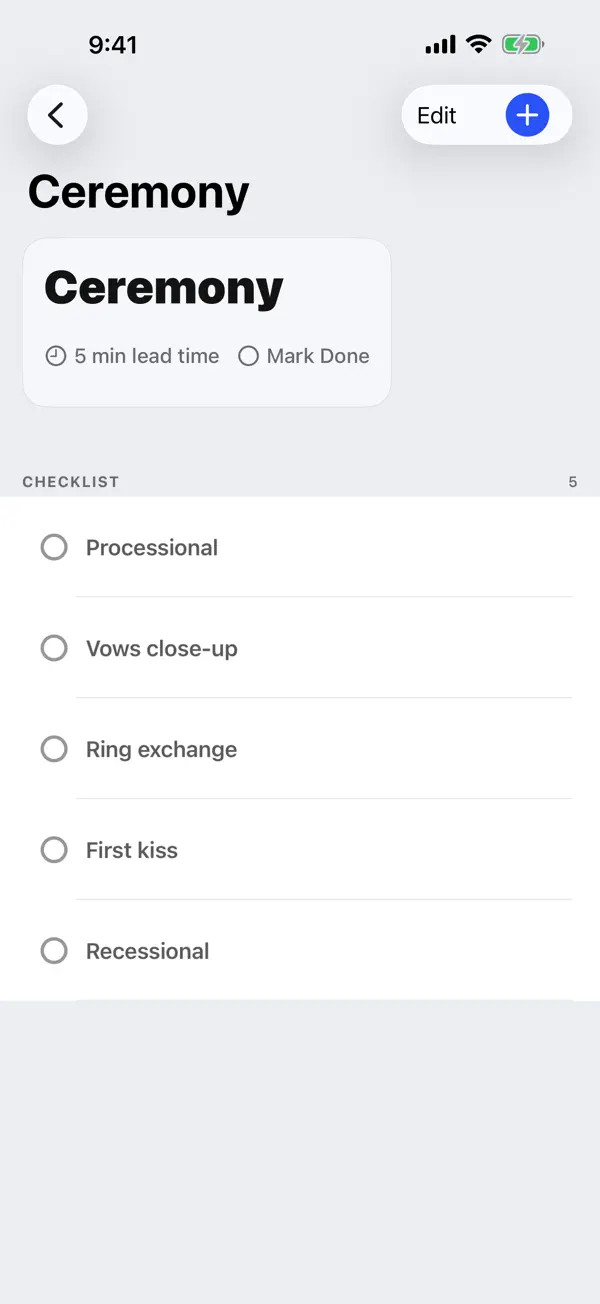
You build the cue list once, on iPhone, as offsets from the event start. A ceremony that begins late shifts the entire run-of-show automatically, so the times on the list are always the real times. During the day the Apple Watch app shows the next cue and takes the check-off, so a second shooter or a DJ can keep working without reaching for a phone.
The next cue also lives on the watch face as a complication, and a Live Activity keeps it and its countdown on the Lock Screen and in the Dynamic Island. You can import a timeline you already built in Apple, Google, or Outlook calendars, and export a formatted crew sheet as a PDF to hand the rest of the team.
The craft
Every cue carries a phase derived from how close it is to its scheduled time, and each phase is named as well as coloured, in the same words on iPhone, Watch, Lock Screen, and Dynamic Island. The state stays readable for anyone who does not distinguish those colours. Calendar import is deliberately one-way: Crew Sheet reads your calendars and never writes back to them.
Everything lives on your device and in your own private iCloud. There is no Crew Sheet account, no server of ours holding your schedule, and no analytics watching how you work. It is made by one person, so a bug report about a wedding that went sideways reaches a human who will read it carefully.